Resume keyword checker: how to pass the filter and still sound human
How recruiter filters read your CV, and how a keyword check plus a job-specific rewrite gets you in front of a human.

A resume keyword checker is not a mystery score. Recruiter filters store your file, extract text, and match tokens from the job description. If the read fails or the keywords never appear, a recruiter may never open your CV.
What recruiter filters actually do
- Reads text from PDF or Word, not from images or heavy graphics.
- Splits content into fields (name, dates, employers, skills) with varying accuracy.
- Ranks or filters on keywords, years, locations, and knockout questions.
- Shows a recruiter a profile that may look nothing like your designed PDF.
Formats that quietly fail a first-screen check
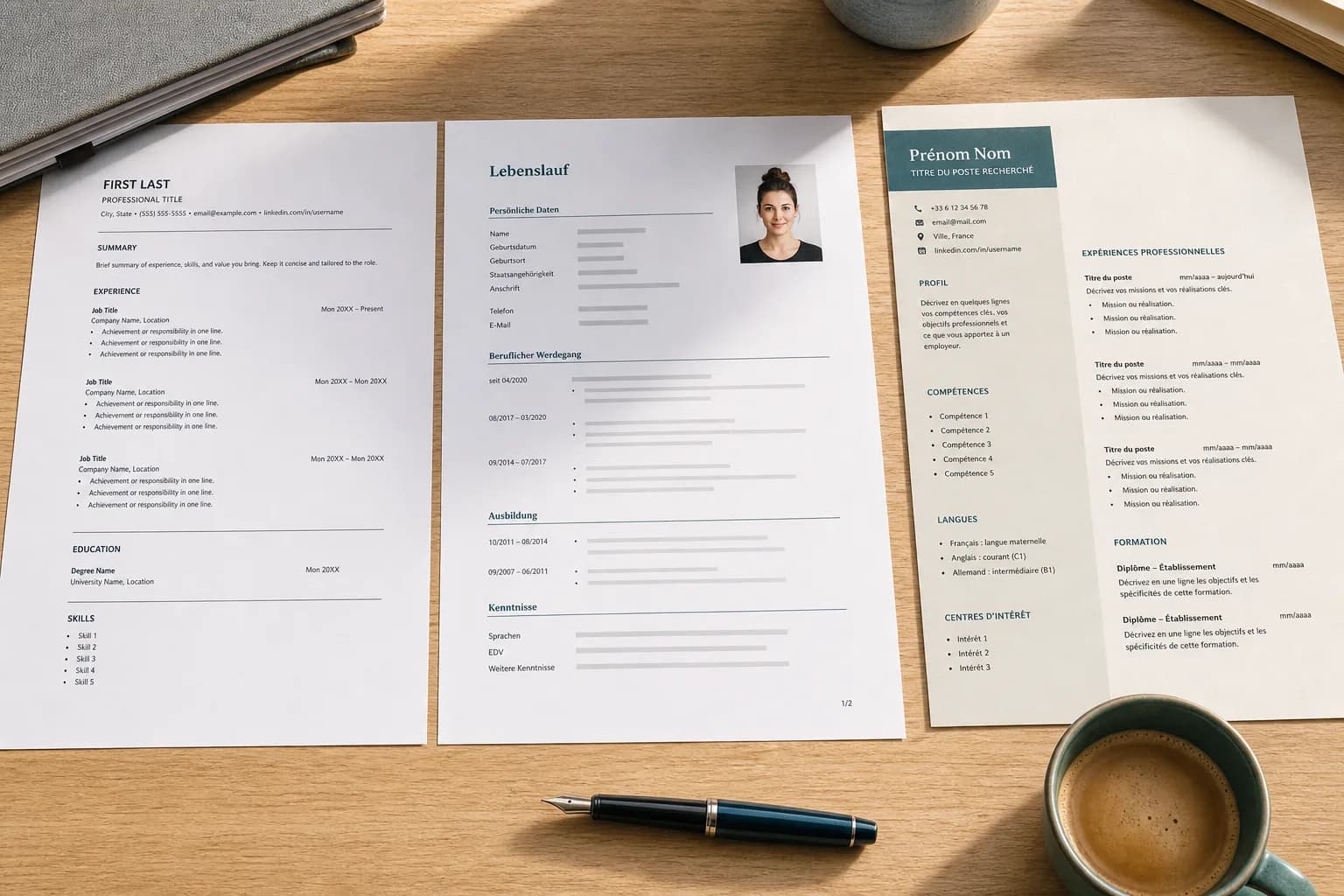
Two-column layouts, skill bars, icons instead of words, text boxes, and headers/footers are the usual culprits. Fancy templates look good on a laptop and fall apart in a parser. For online applications, use a single column, standard headings (Experience, Education, Skills), and real words for tools ("Figma", not a logo).
Keyword matching without stuffing
If the posting lists "stakeholder management", "Python", and "PCI-DSS", those strings should appear where they are true: in a skill list or inside a bullet. Repeating "Python Python Python" does not help and can look like spam. Mirror the employer's phrasing once, in context.
Synonyms still matter
Humans understand that "JS" is JavaScript. Many filters do not. Put the form used in the job offer at least once. An AI keyword checker that diffs your CV against one posting will surface these mismatches faster than reading the description again.
How Curribellum checks filter fit
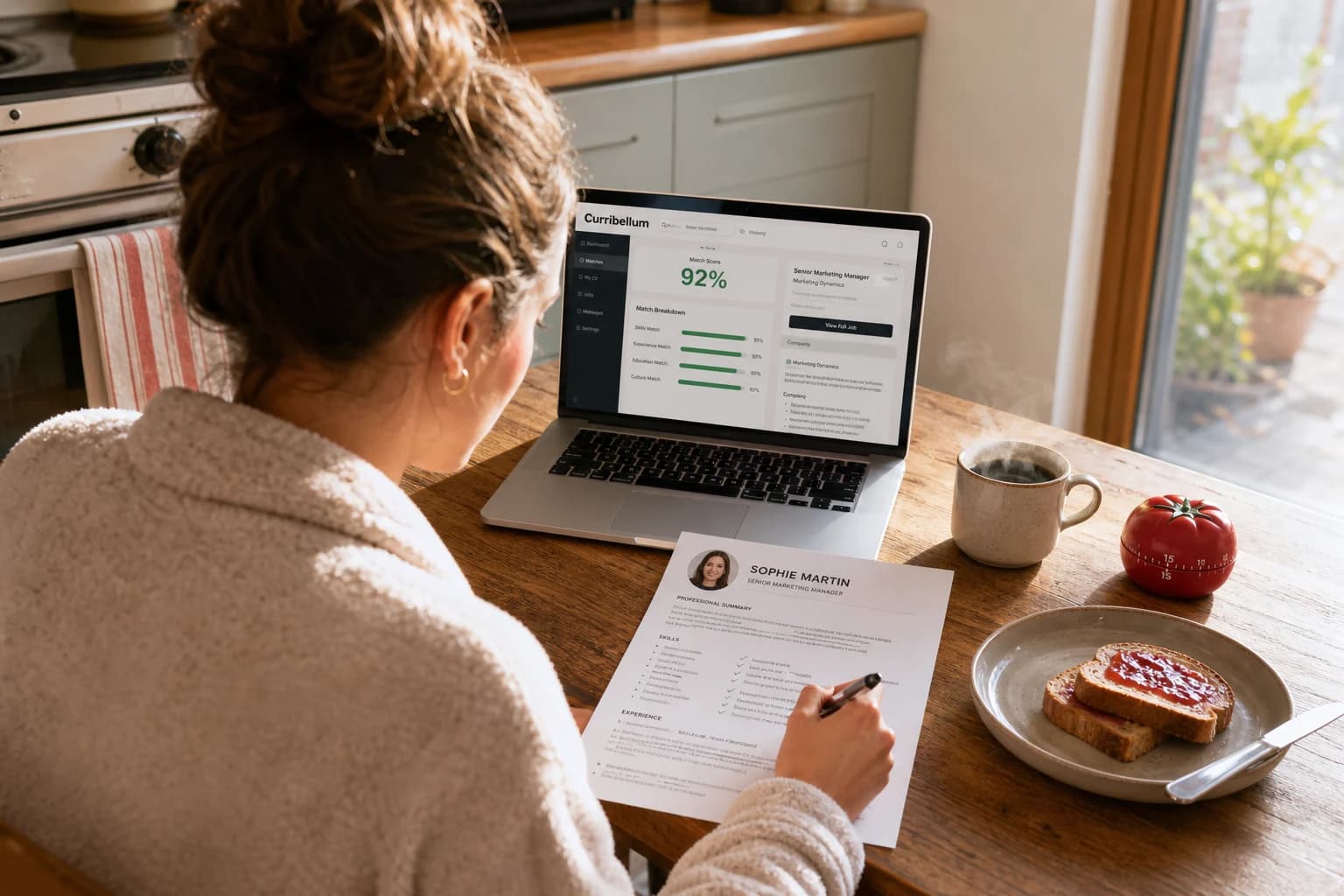
You upload a résumé and a job offer. The analysis scores overall match, lists missing keywords the posting emphasizes, and rewrites the CV so those terms appear in honest bullets. You can switch to a simple single-column layout when you export (one column, no photo), which is what most online forms want.
A 10-minute keyword pass before you apply
- Paste the job into a keyword checker or Curribellum with your current file.
- Add every missing keyword you can defend in an interview.
- Export a clean single-column PDF.
- Open the PDF, select-all, copy into a text editor. If the order is nonsense, simplify the layout.
Passing the filter is the start. The rewrite still has to impress the human who opens the file. Do both on the same job, not with a generic optimized CV you send everywhere.
Also useful: How to pull resume keywords from a job offer (without stuffing), How to tailor your resume to a job offer (in under 15 minutes), Resume vs CV: formats that work in the US, UK, France, and Germany.