Guide
From your first sign-in to a CV you can send. Claude Sonnet 4.5 writes each analysis. It takes about a minute.
Step 1
Create an account
Sign in with Google or with your email and a password. New accounts get a first analysis included.
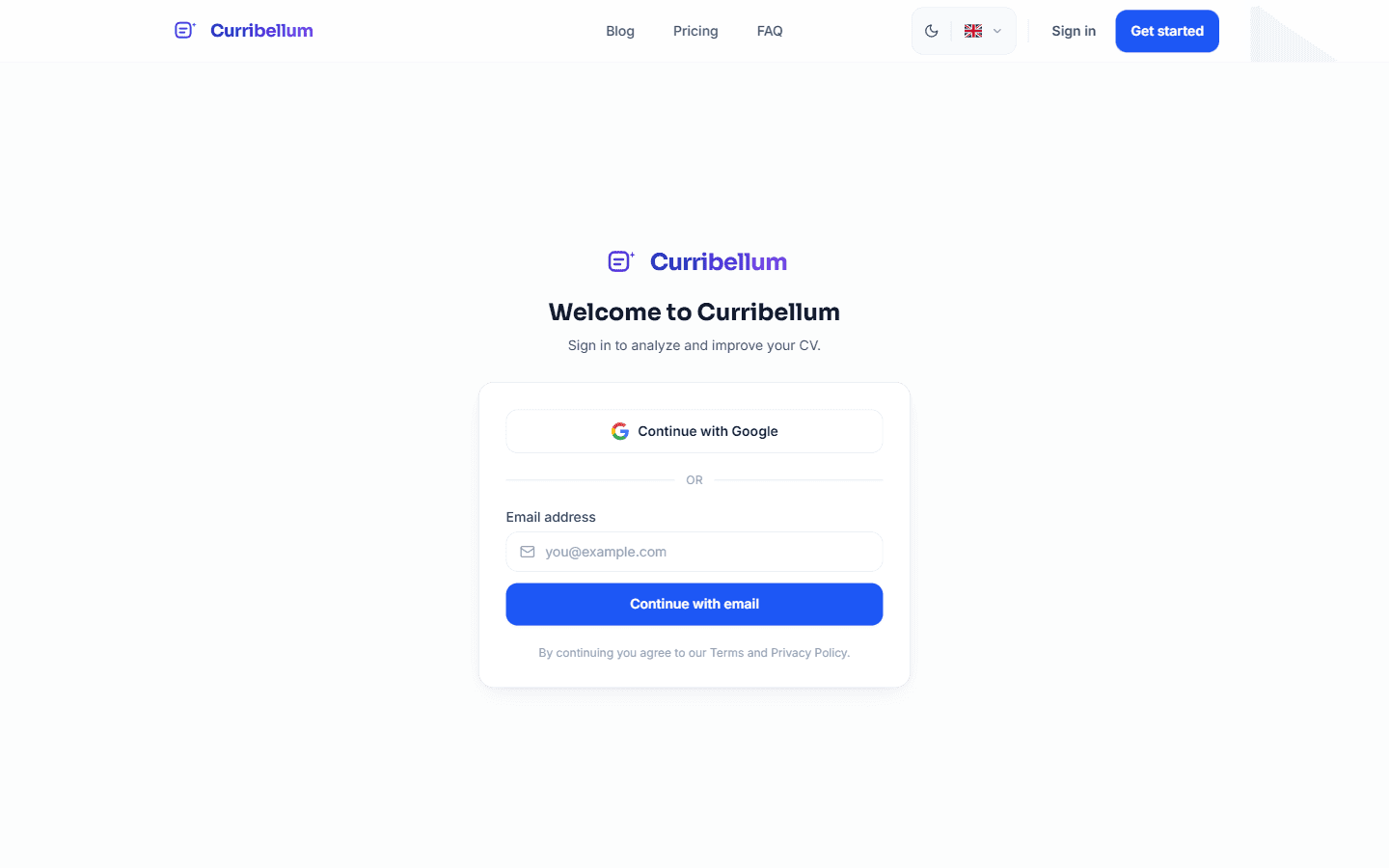
Sign in with Google or your email. Step 2
Add your CV and the job
Give the analysis a name if you want. Upload a PDF or Word file, or paste the text. We read the text in the file, not images. Then add the job posting as a link or as text. Pick one or more output languages. The first is included. Each extra language uses one more analysis. A cover letter is optional and uses one more. Claude Sonnet 4.5, from Anthropic, writes the edits and the rewritten CV. Scores are calculated from the file you uploaded.
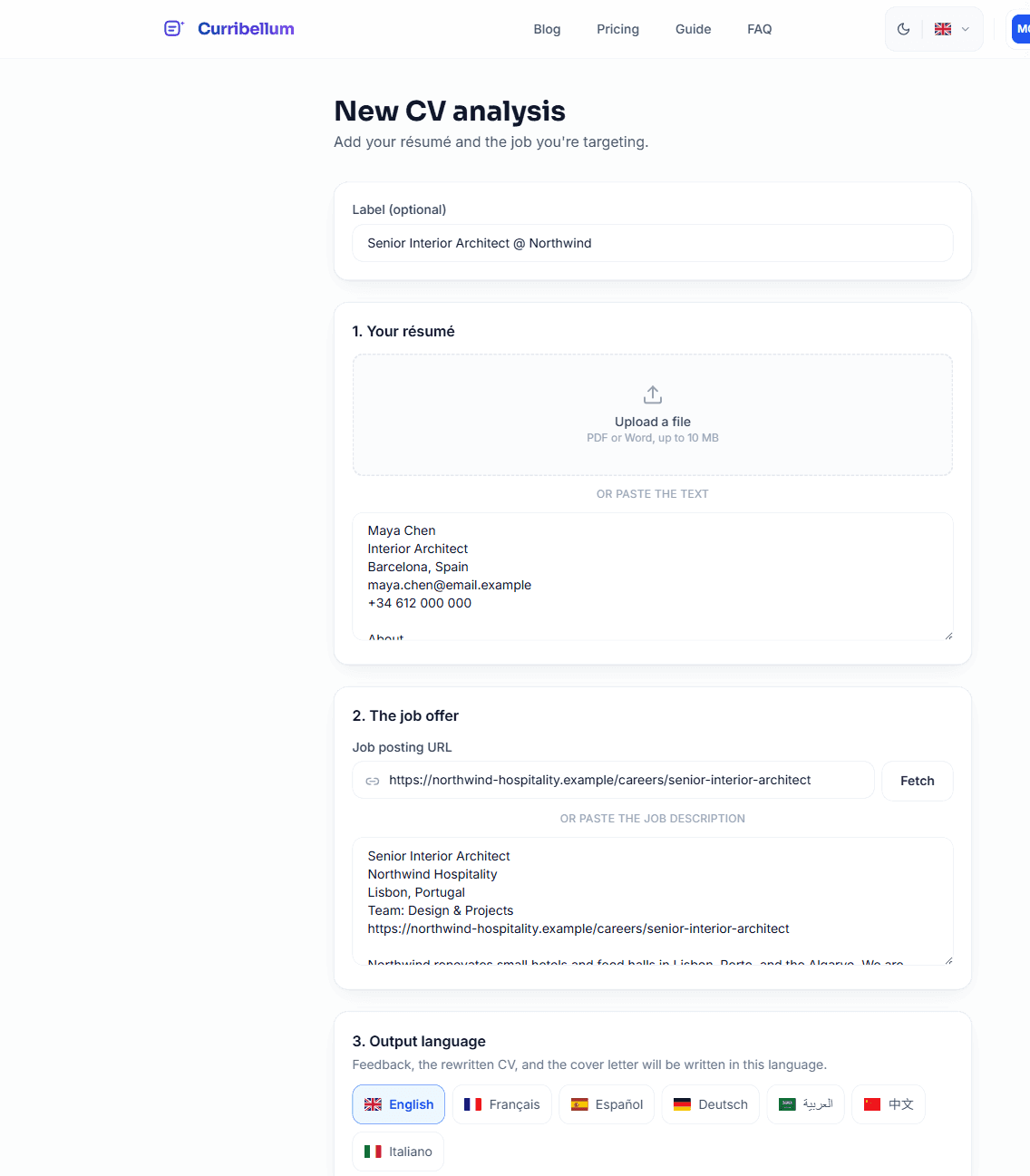
Upload a PDF or Word file, up to 10 MB, or paste the text. Step 3
Read your results
You land on the improved CV. A strip at the top shows the scores of the CV you uploaded and the keywords you are missing. Open Results for the ranked list of edits. Start with that list. The same file and offer keep the same scores. Upload a changed CV when you want a new number.
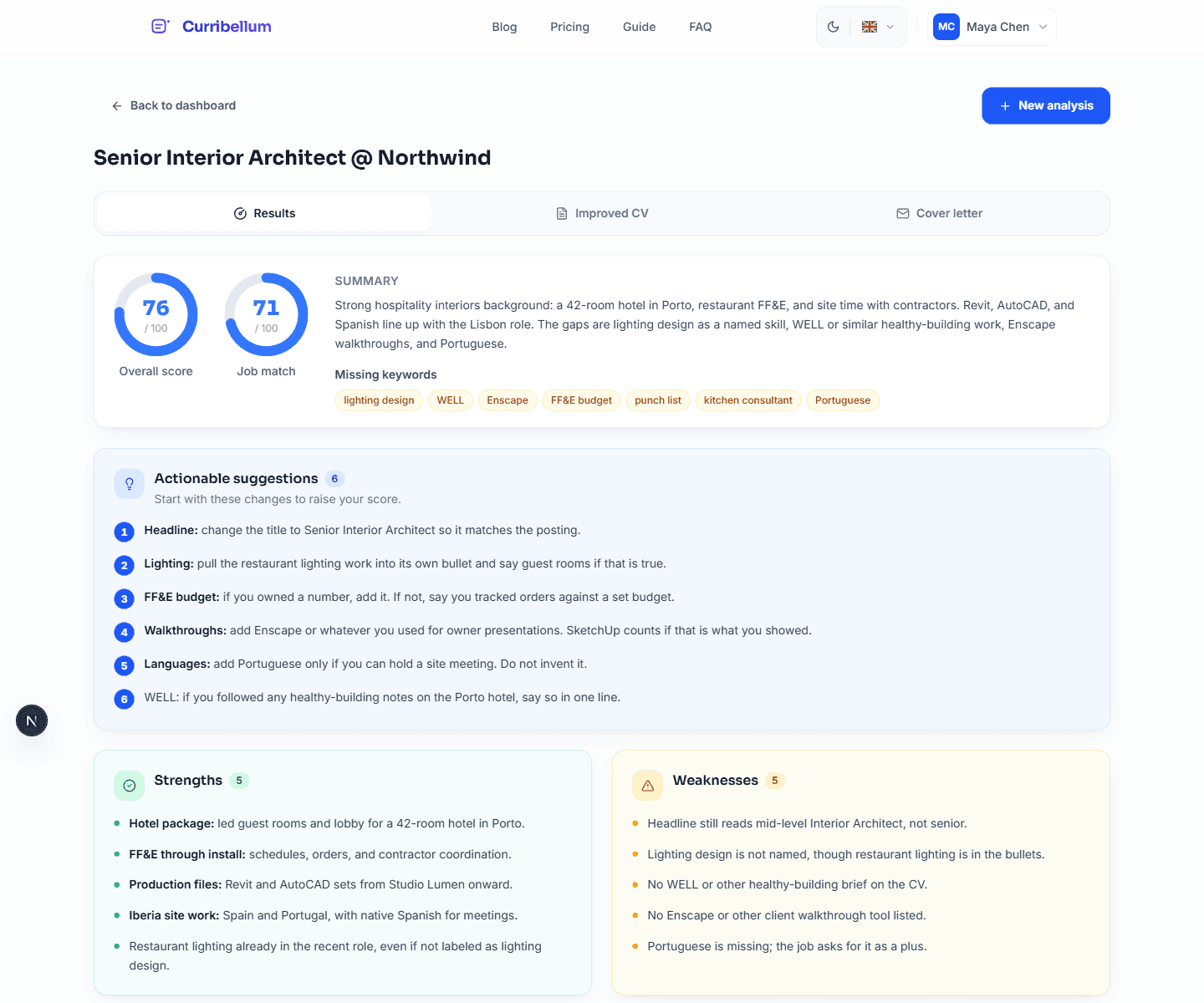
Scores, missing keywords, and concrete edits on one screen. Step 4
Edit and download your CV
The Improved CV tab is a full editor. Pick a layout, an accent, and a typeface. Click a line to change it. Download as PDF or Word, or save one version to your account. If you added a cover letter, it sits in the last tab.
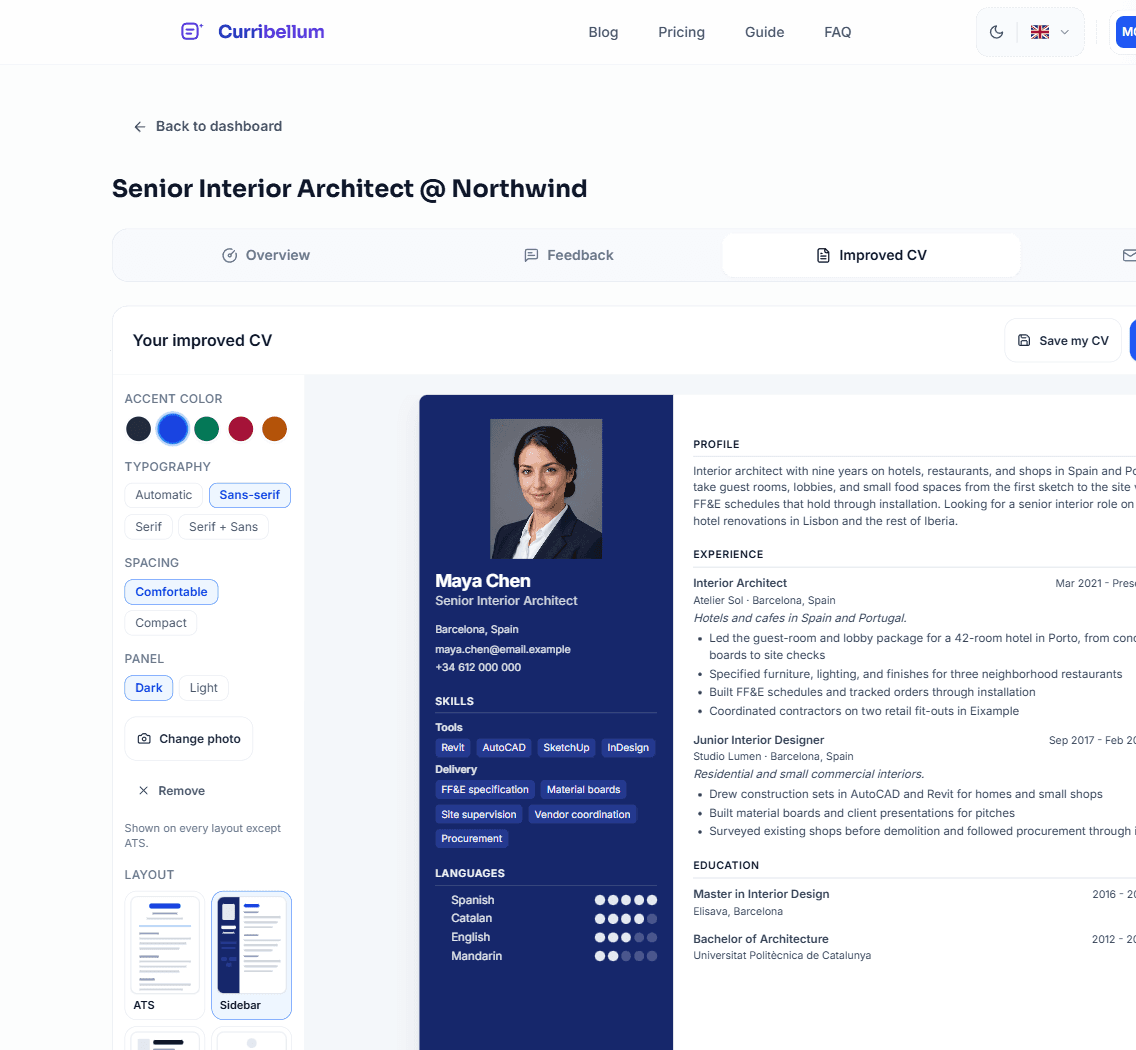
Layouts, colors, and a live preview. Download when it looks right. Step 5
Come back to any analysis
Every analysis stays on your dashboard with its date and score. Open one to edit again, or start a new analysis for another job.
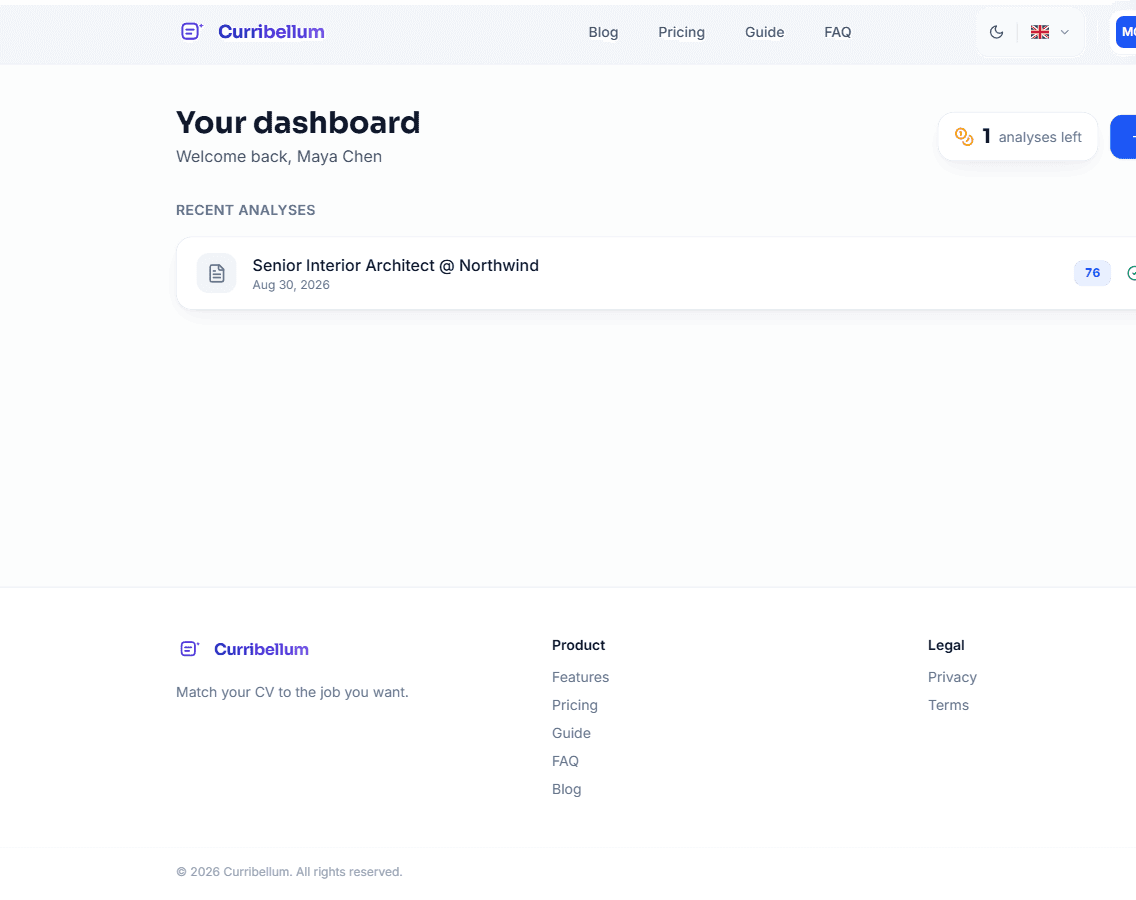
Your history, plus how many analyses you have left. Step 6
Choose a plan
Week pass includes 10 analyses in 7 days, Pro 25 a month, Search pack 75 over 90 days, Business 80 a month. Cancel anytime from Billing. Unused analyses do not roll over.
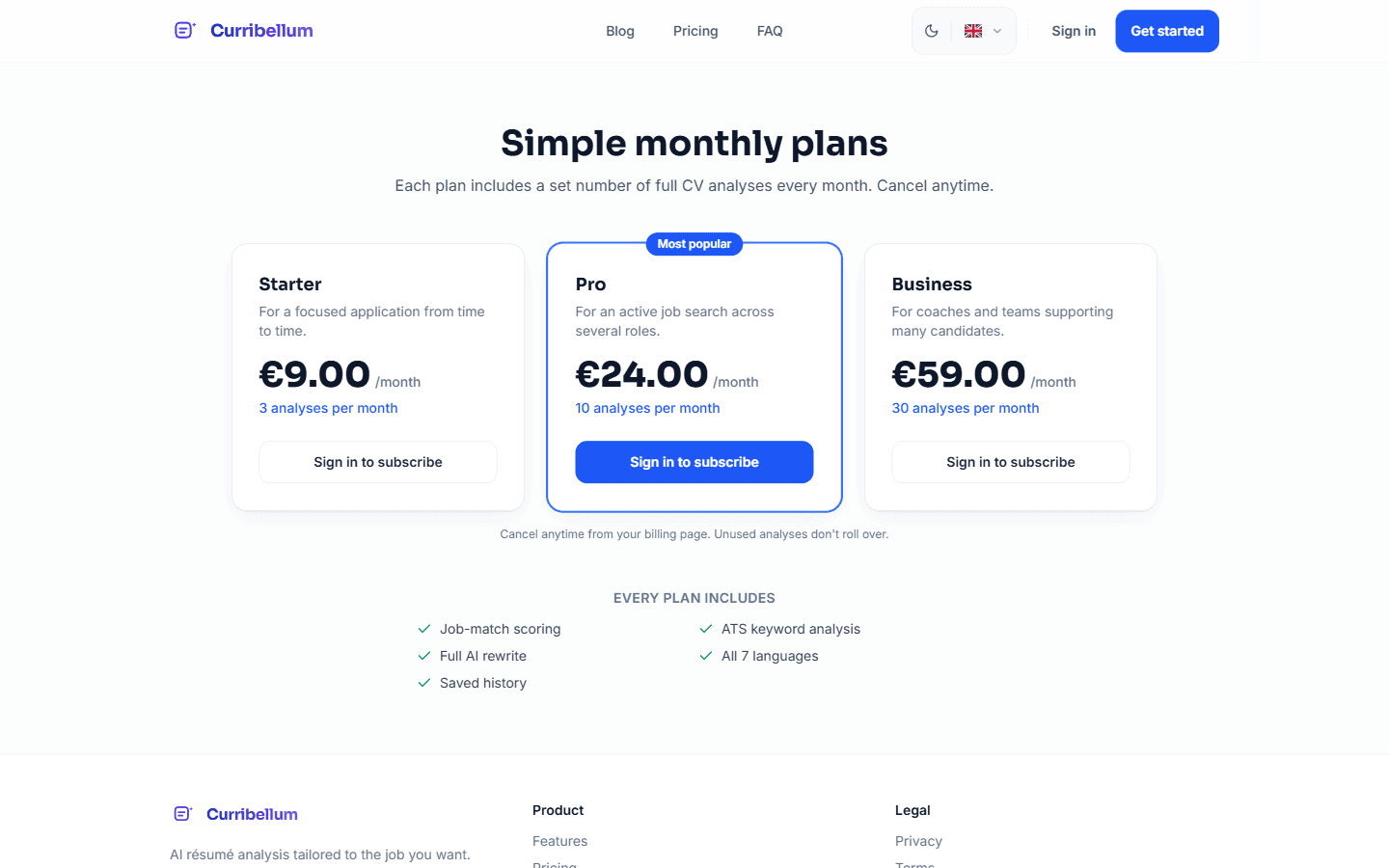
Same features on every plan. Only the allowance changes.
Questions
The model, scores, CV layouts, files, plans, languages, and what happens to your documents.
What do I get from an analysis?
Upload the CV you would send today and the job you want. You get two scores, the keywords you are missing, a ranked list of edits, and a rewritten CV. A cover letter is optional and uses one more analysis. Review every claim before you apply. We do not invent employers, dates, or degrees.
Which model writes the analysis?
Claude Sonnet 4.5, from Anthropic. It writes the ranked edits and the rewritten CV. If you asked for a cover letter, it writes that too. We calculate the scores from the CV you uploaded so the same file and offer always get the same numbers. It is told not to invent employers, dates, or degrees. Still review every claim before you apply.
How is the job-match score calculated?
We calculate both scores from the CV you uploaded. Overall looks at structure: contact line, roles, dates, skills, and whether a filter can read the file. Job match looks at how many terms from the posting appear in that CV. The chips on Results are terms from the posting that your CV does not use. The rewrite is not scored. The same file and offer always get the same numbers. Upload a changed CV when you want a new score.
Will this help my CV past the first screen?
The Results tab lists keywords that recruiter filters often scan for. When you download, pick the Simple layout for a single-column file they can read. Use the other layouts when a person will open the PDF.
Which files can I upload?
PDF or Word (.docx), up to 10 MB. You can also paste the text. We read the text in the file, not images or scanned pages. For the job, paste a link or the full description.
Can I edit the rewrite and the cover letter?
Yes. Open Improved CV, click a line to change it, pick a layout, and add a photo if you want. Download as PDF or Word, or save one version to your account. If you added a cover letter, it is the last tab.
Can I work in another language?
Yes. English, French, Spanish, German, Italian, Arabic, Chinese, Hindi, Japanese, or Portuguese. The first language is included. Each extra language uses one more analysis. Feedback and the rewrite come out in the languages you pick.
What is included in a plan?
Week pass includes 10 analyses in 7 days, Pro 25 a month, Search pack 75 over 90 days, Business 80 a month. Cancel anytime from Billing. The Search pack stops after 90 days. Unused analyses do not roll over. If you still have credits from older packs, those are used after the plan allowance runs out. A failed analysis does not count. Retry it with the same files.
What happens to my documents?
They stay in your account. We do not share or sell them. To run an analysis we send the CV and job text to Anthropic. Every analysis stays on your dashboard so you can open it again.
Legal
How we handle your files, who sees the text, and what you must check before you apply.
You review the output
Claude Sonnet writes the analysis and the rewrite. If you asked for a cover letter, it writes that too. It is told not to invent employers, dates, or degrees. You still check every claim before you apply. The facts stay yours.
Your documents
CV and job text stay in your account. We do not share or sell them. To run an analysis we send that text to Anthropic.
Payments
Stripe handles cards. We never store card numbers.
Plans
The Week pass renews every 7 days. Pro and Business renew monthly. The Search pack lasts 90 days and then stops. Unused analyses do not roll over. Cancel anytime from Billing. The plan stays active until the end of the paid period. A failed analysis does not count.
Cookies
Necessary cookies keep you signed in and remember language, theme, and this choice. Analytics and ads stay off until you accept. Open Cookies in the footer anytime.
Write to us
If the guide does not cover it, send a message. Support handles accounts and billing. Other questions go to contact.
Contact